








Course Curriculum
- 8 sections
- 16 lectures
- 00:00:00 total length
-
 What Is Adobe XD 00:07:00
 -
Download And Install Adobe Xd 00:03:00
-
Why Adobe XD Is So Awesome – Talkinghead 00:04:00
-
Updates And Upcoming Features Xd 00:03:00
-
Adobe XD Interface Welcome Screen 00:03:00
-
Adobe Xd Top Nav Bar 00:02:00
-
Adoe Xd Interface Toolbar 00:02:00
-
Properties Panel Adoe Xd Interface 00:03:00
-
Xd Mac And Win Differences 00:05:00
-
First Assignment Simple One 00:07:00
-
Artboards and grids 00:08:00
-
Tools in xd 00:05:00
-
Rectangle tool to create buttons 00:06:00
-
Background and object blur 00:03:00
-
Ellipse tool 00:02:00
-
Basics of pen tool 00:03:00
-
Pen tool to creat Icons 00:06:00
-
Line tool 00:01:00
-
Text-tool 00:03:00
-
Colors Palettes 00:04:00
-
Color Gradients in Xd 00:06:00
-
Coolors.io 00:04:00
-
Masks in xd 00:06:00
-
Character styles in Xd 00:05:00
-
Creating and reusing symbols 00:07:00
-
Repeat grid 00:09:00
-
Common Shortcuts 00:06:00
-
Shortcut keys part2 00:08:00
-
Nested symbols in xd 00:06:00
-
S03L01 block-level design 00:12:00
-
S0302 Sketching First Design Idea-block Level Paper 00:08:00
-
S0303 First Paper Prototype- Adding Details 00:04:00
-
S0304 Vertical Horizontal Prototypes T Proto 00:09:00
-
S0305 Level Of Fidelity and prototypes 00:04:00
-
S0306 adding details to your block design 00:08:00
-
S0307 using ui design patterns 00:06:00
-
S0308 creating signup ios screen EXERCISE 00:14:00
-
S0401 Design preparations 00:05:00
-
S0402 Color scheme and insprations 00:05:00
-
S0403 Solving UX problems of old app 00:04:00
-
S0404 Welcome Screen design 00:10:00
-
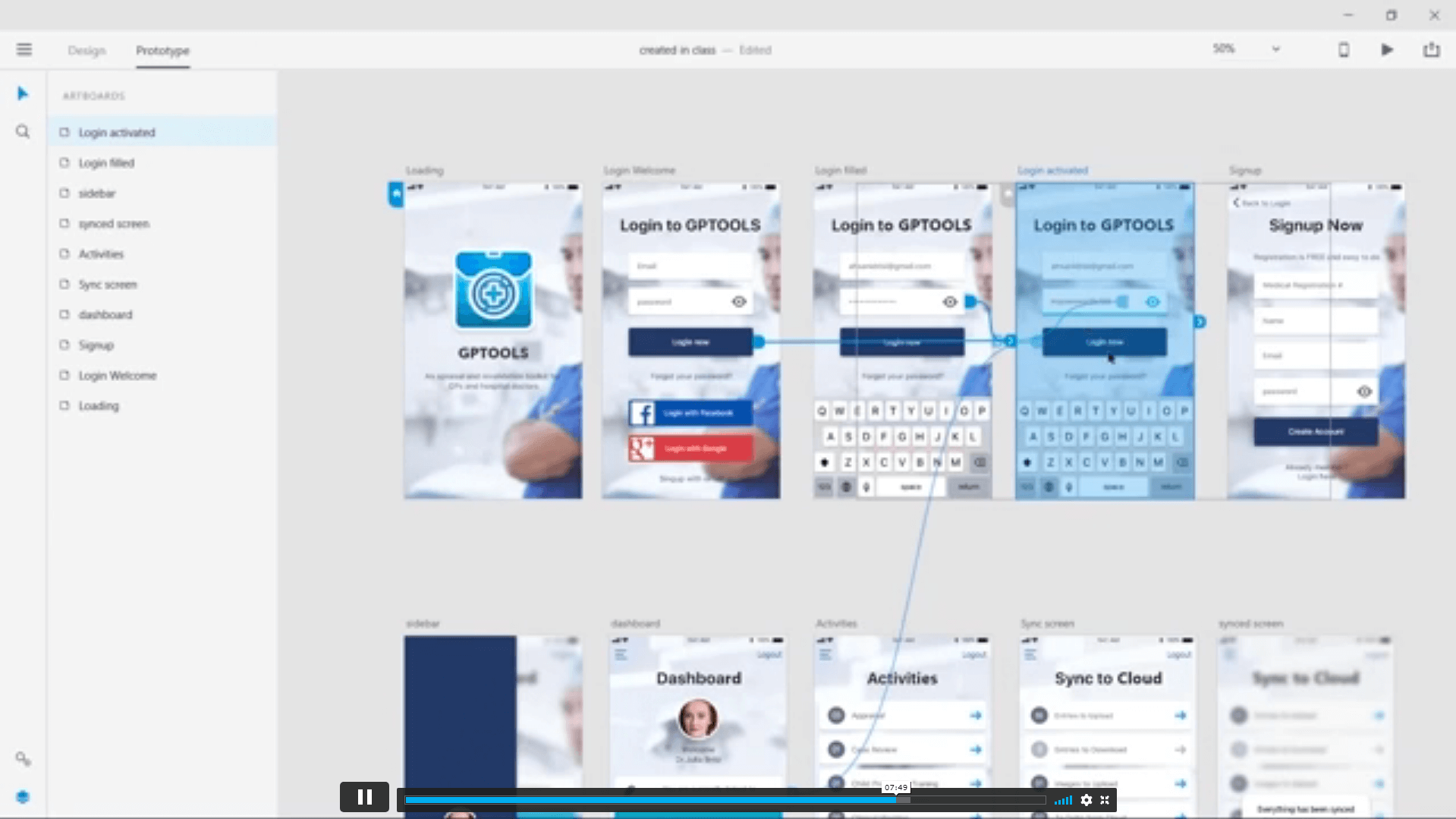
S0405 designing the login screen 00:14:00
-
S0406 login-activated 00:12:00
-
S0407 Signup Screen 00:07:00
-
S0408 dashboard design part 1 00:12:00
-
S0409 dashboard design part 2 00:11:00
-
S0410 Sidebar Navigation 00:09:00
-
S0411 actitivies screen 00:11:00
-
S0412 sync screen 00:08:00
-
S0413 sync status update 00:04:00
-
S0414 using grids to improve designs further 00:05:00
-
S0415 refining style guides 00:08:00
-
S0416 IOS Design guidelines 00:09:00
-
S0501 fixing tap targets 00:00:00
-
S0502 prototype login and signup screens 00:10:00
-
S0503 prototyping dashboards and other screens 00:11:00
-
S0504 sharing prototype with others 00:04:00
-
S0505 recording prototype on mac 00:02:00
-
S0506 design Inspect beta 00:04:00
-
S0601 why to export in 1x 2x 3x 00:09:00
-
S0602 Perfect example of 1x 2x 3x 00:03:00
-
S0603 export artboards to create mockups 00:08:00
-
S0604 batch export 00:06:00
-
S0701 Live Preview Your App On Iphone 00:02:00
-
S0702 Developer handoff with Zeplin 00:13:00
-
S0703 Developer Handoff using Avocode 00:14:00
-
S0704 open sketch-psd-illustrato import 00:08:00
-
XD updtaes april may 2018 00:04:00
-
1st Exercise Asssignment-1 00:03:00
-
Second Assignment-1 00:03:00
-
Third Last Assinment – Google Drive 00:03:00

Private
Save 95% - Sale Ends in

14 Days Money Back Guarantee
This course includes:
-
Duration:7 hours, 23 minutes
-
Access:1 year access
-
Level:
-
CPD Points:10